overview
The whole project in one answer: languages, folders, what is broken.
445 tokens for 64 files
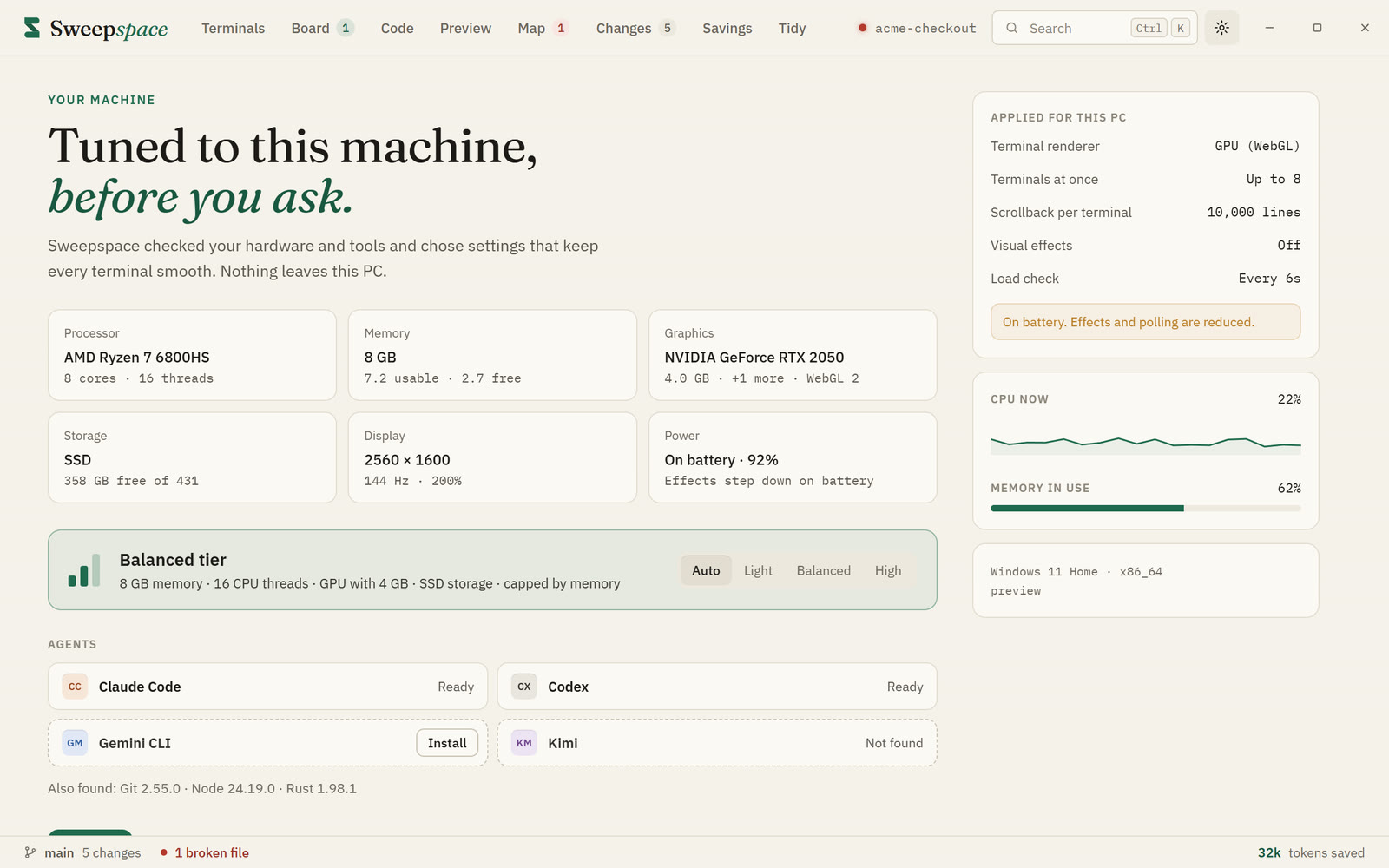
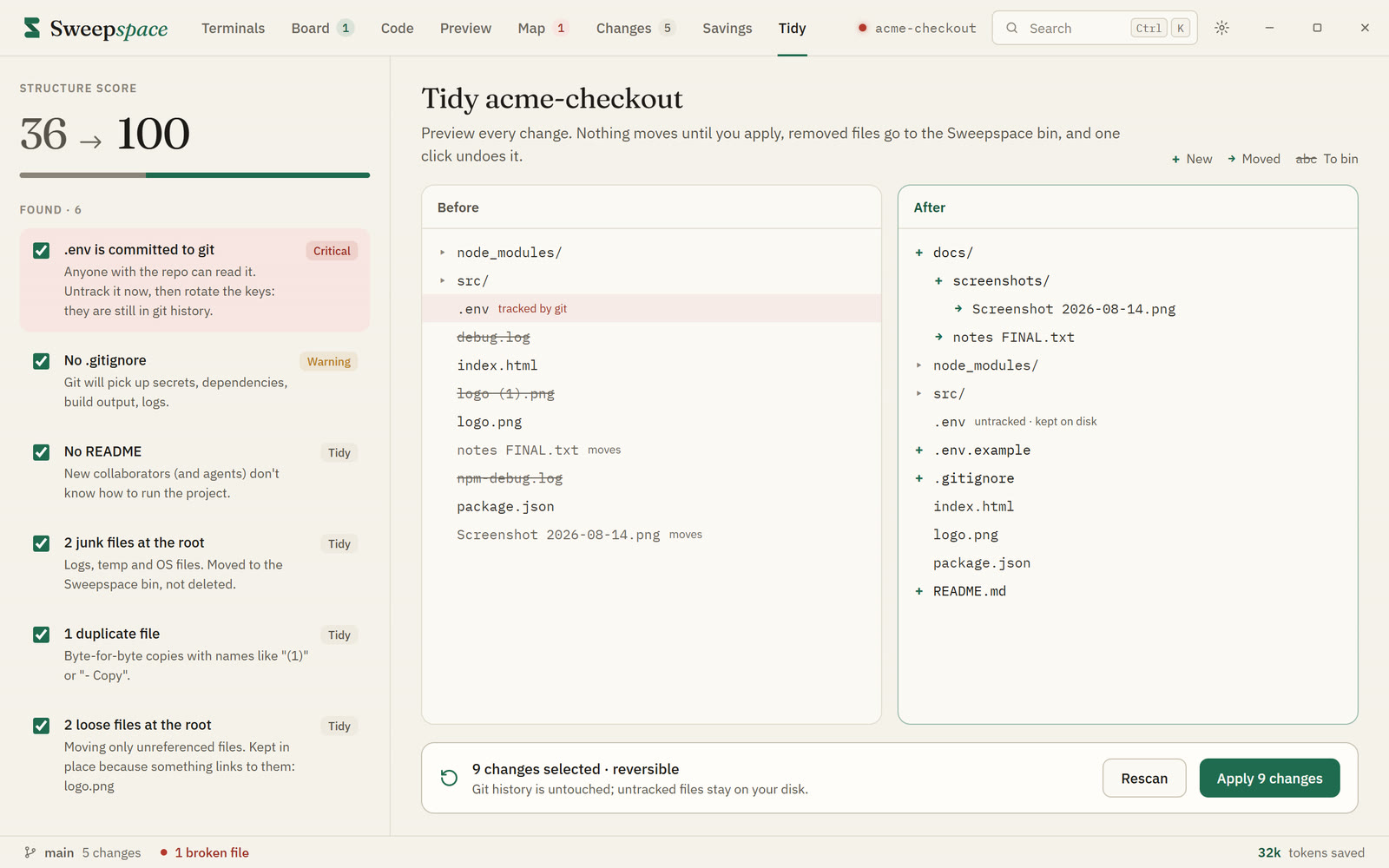
A desktop workspace for AI coding agents
Run Claude Code, Codex, Gemini and any CLI side by side. Sweepspace gives every agent a live map of your project, so it reads the one function it needs instead of whole files.
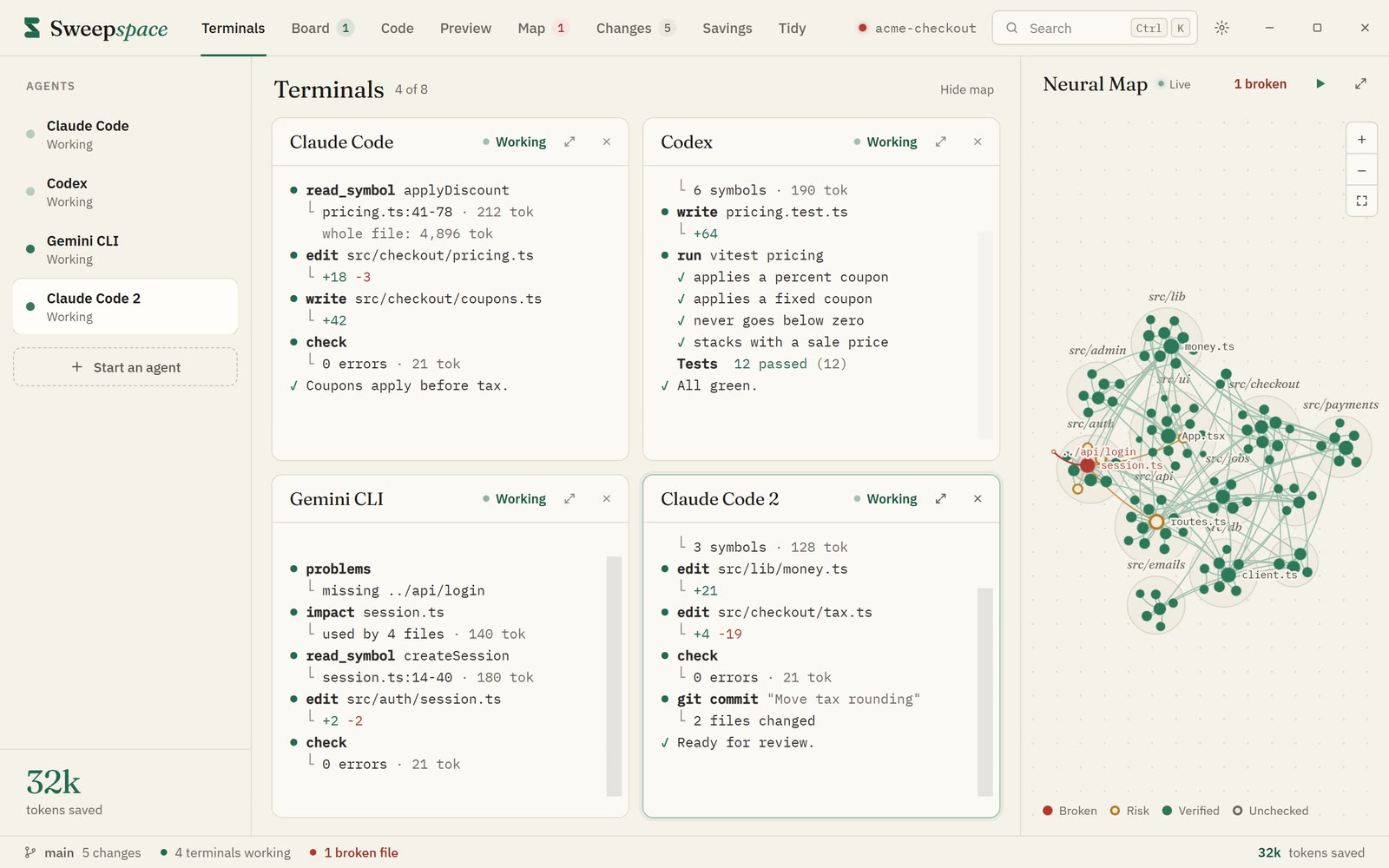
The film
The problem
Every time an agent opens a whole file to find one function, you pay for every line of it. On one real task in Sweepspace's own code, the files an agent would open added up to 35,777 tokens.
The fix
Sweepspace indexes your project into files, imports and symbols, then serves that map to your agents as tools. They ask a precise question and get a precise answer. Every number below was measured on Sweepspace's own code.
The whole project in one answer: languages, folders, what is broken.
445 tokens for 64 files
Find a function or a file by name, with the line it is on.
34 tokens
A file's functions and types, without their bodies.
1,144 tokens instead of 10,656
One function, not the file around it.
640 tokens instead of 10,656
Just the lines the agent needs to see.
532 tokens instead of 10,684
What breaks if a file changes, before anyone touches it.
264 tokens: 29 files depend on it
A file, with only the parts of its neighbours it uses.
128 tokens instead of 3,543
What is broken right now, with the file and the line.
22 tokens
Type-check the project and return only the errors.
21 tokens instead of 3,319
What changed, by file and by function, for review.
391 tokens instead of 5,694
Measured, not promised
fewer tokens for the whole task.
35,777 → 3,833
fewer to review what changed
fewer to type-check the project
Move the sliders to match how you work. This is an estimate: it applies the measured 9.3× to your numbers, and your own projects will differ.
Tokens you would not pay for, each month
6,747,097
about $20 a month
Counting 21 working days a month.
What is inside
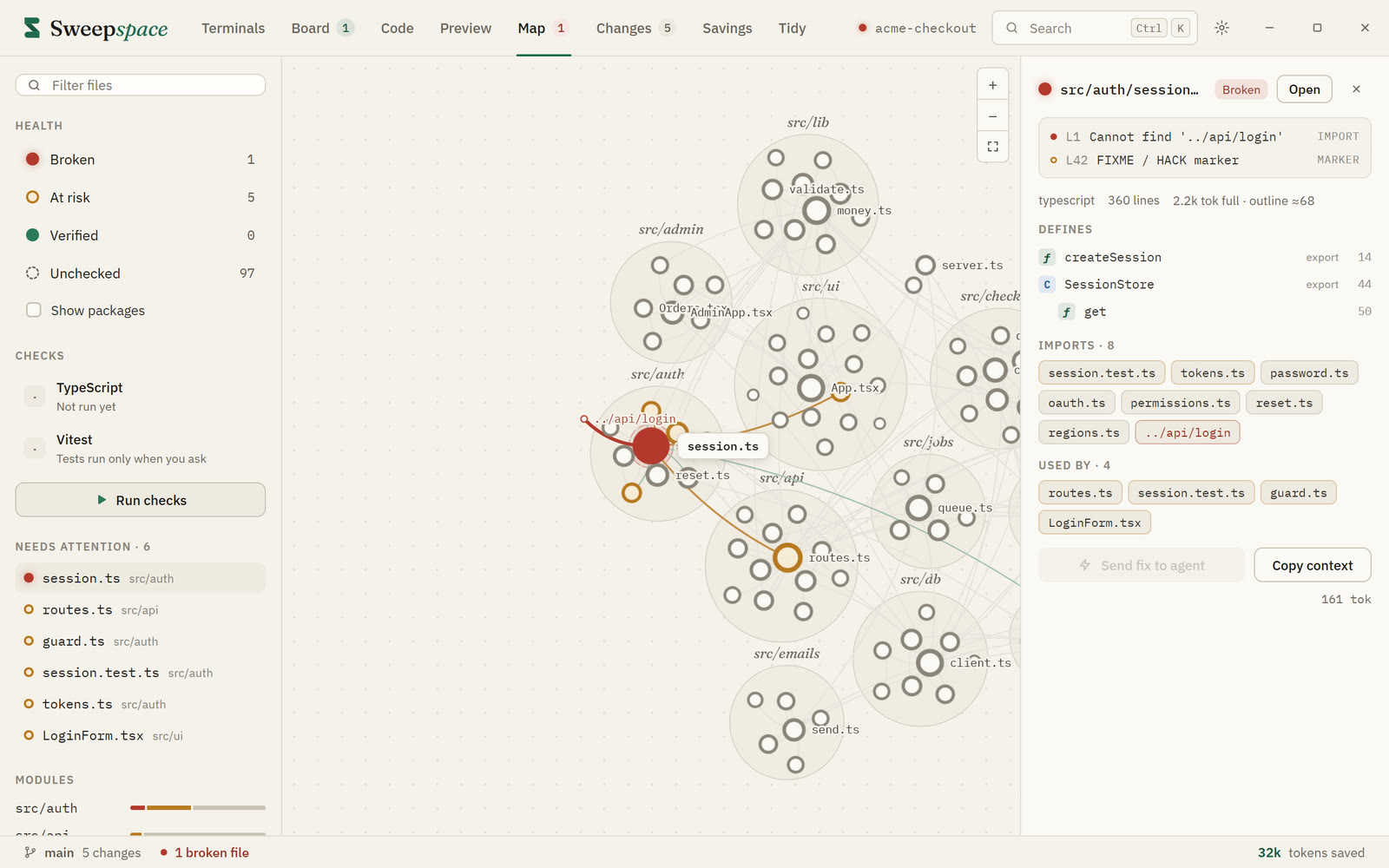
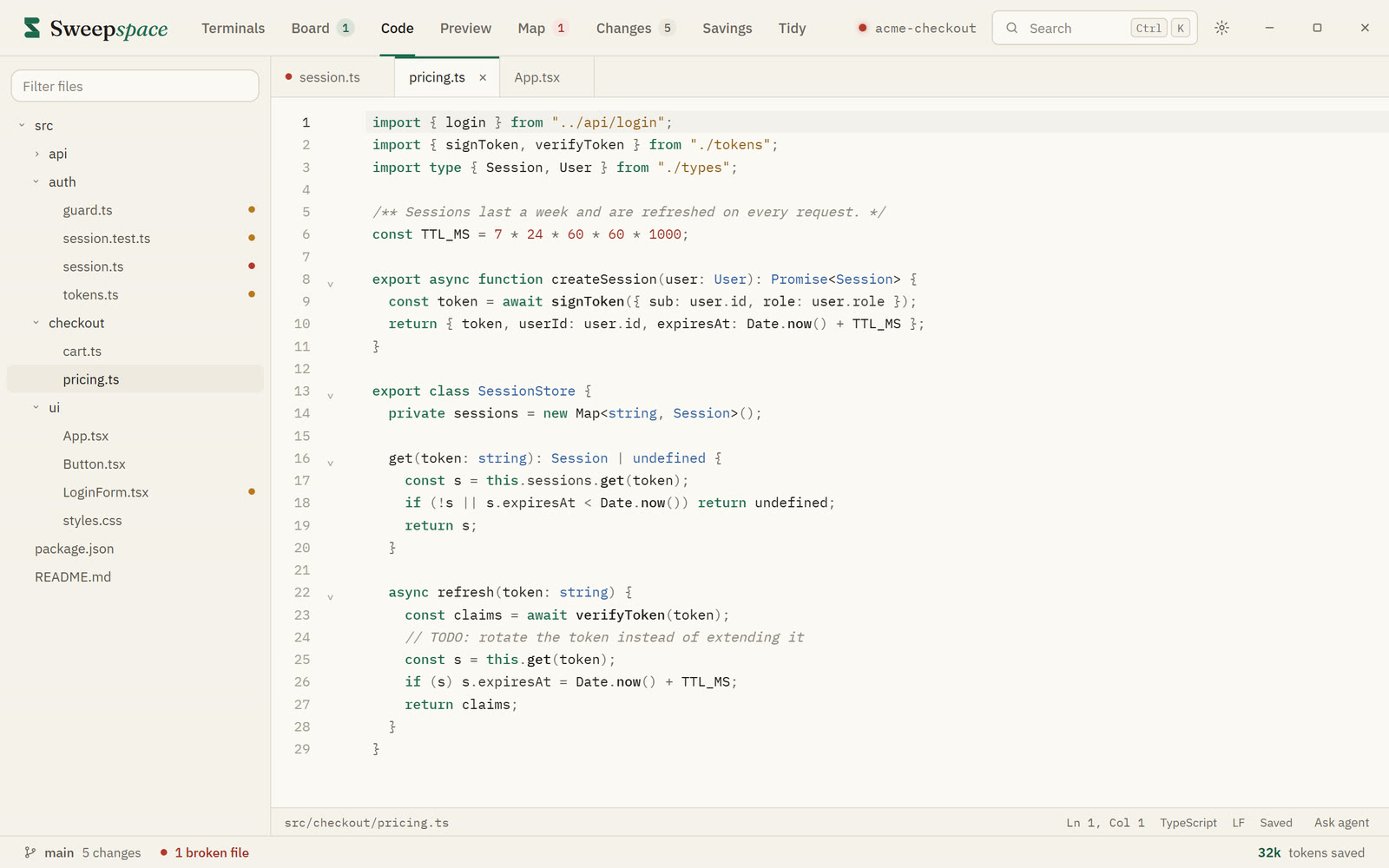
A small project with three broken files. Click the red ones. Files that import them turn amber until their fix lands.
Hover a file to see its name.
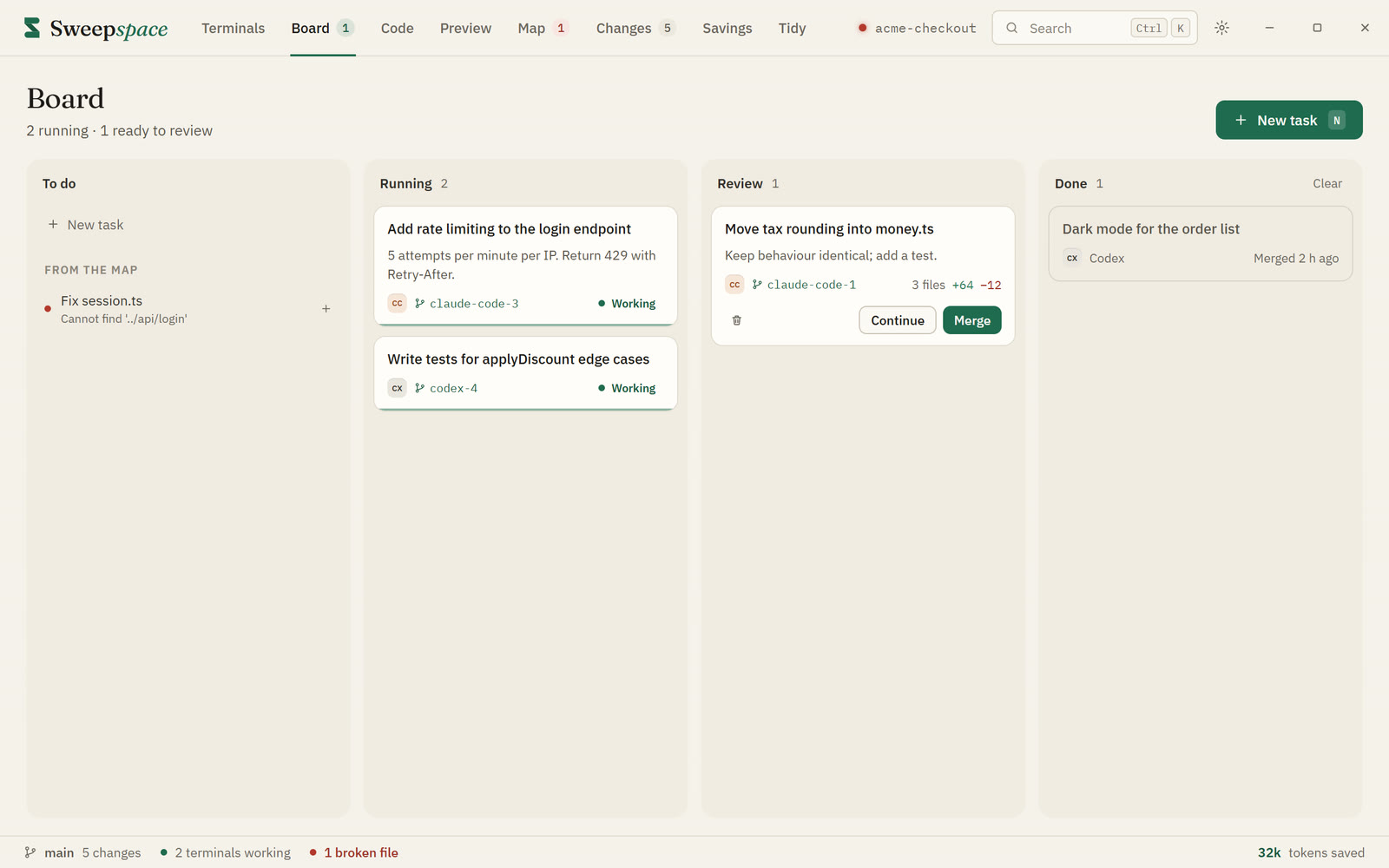
Take it for a spin
A tiny terminal with a few Sweepspace tricks inside. Try help, savings or bots.
Preview · coming soon
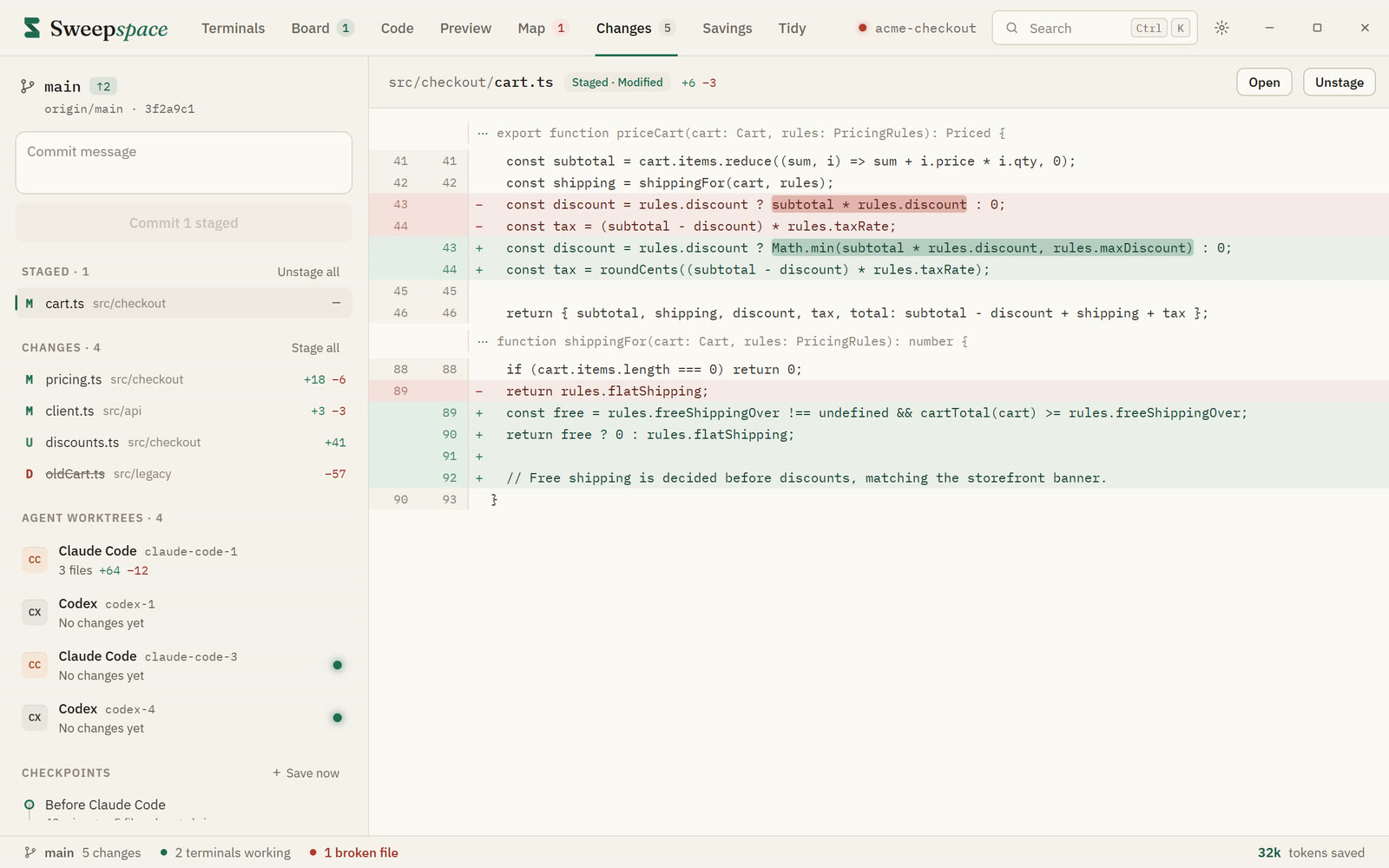
A crew of bots with names, jobs and personalities. New ways to hand work to a team of agents. Everything a pro needs. Here is what we are building.
Bots pass work down a line, each with a short brief instead of the whole history.
Bots bid on every task. The cheapest one that can do it well wins.
Two bots solve it on separate branches. You keep the better answer.
Give a task a token budget. The bot finishes inside it, or stops and says why.
Risky changes need three models to agree before they touch your code.
Queue the work, go to sleep, wake up to branches ready for review.
Questions
Claude Code, Codex, Gemini CLI, OpenCode, Aider, Kimi and any command-line tool. If it runs in a terminal, it runs in Sweepspace.
Sweepspace itself runs on your PC: the map, the checks and the machine scan all stay local. Your agents keep talking to their own providers, the way they already do.
You can check it yourself: the installer's SHA-256 hash is listed under the download button. It installs for your Windows user, without admin rights. It isn't code-signed yet, so the first time you run it Windows SmartScreen may say it doesn't recognise the app.
No. Your agents keep their own sign-in. Sweepspace never stores API keys.
Sweepspace runs a small MCP server that your agents connect to with one click. Instead of opening whole files, they call tools like outline and read_symbol and get only what they need. The Savings screen counts every token saved.
On one real task in Sweepspace's own codebase: twelve steps, from getting an overview to type-checking the result. The baseline opens each file once, in full, and reads the compiler's full output. With Sweepspace the same steps took 3,833 tokens instead of 35,777.
Windows 10 and 11, 64-bit, today.
A paid tier we are building: bots, new ways to delegate, and team features. What you see on this page is a preview. Details and pricing come at launch.
Pricing will be announced at launch. Leave your email at the bottom of this page to hear it first.
Built for everyone who pays for their own tokens.
SHA-256 274c61ded412a6906c3fc360f3b2b4de167366b4dc991c0e7f4f4a5e21020290
Run this in PowerShell, in your Downloads folder. It should print the same hash. Get-FileHash .\Sweepspace_0.1.0_x64-setup.exe
The installer isn't code-signed yet, so Windows doesn't know it. Edge may say it isn't commonly downloaded (choose Keep), and SmartScreen may say it protected your PC (choose More info, then Run anyway). Only do that if the hash matches.
Want to hear when Pro opens?
One email when Pro opens. Nothing else.